


Exact Online
Customers, invoices and credit notes synchronised with your accounting.

Repair dossiers, damage estimates, insurance claims, shopfloor planning, courtesy cars, parts, invoicing and staff for body shops, in one application.

One flow. Follow a repair through Anouk, step by step.

Follow a repair from the first call to the final invoice. Every screen below comes straight from the live application.
The dashboard opens on the numbers that matter today: open dossiers, damages and invoices this month, compared with last month. Every branch side by side.
Open the repair order, link the customer and the insurer from one shared relations list, and every next step starts from the same dossier.

Define calculation types per vehicle make, model, type and branch, duplicate them in one click, and bring Informex expert assessments straight into the dossier.

The planning board shows every vehicle by repair phase, from disassembly and bodywork to paint and assembly, with overdue vehicles on top. Time registration shows who is working on what.

Plan courtesy cars on a timeline per vehicle and per day, see availability at a glance, and reserve by class when any car of that class will do.

Know what is in stock and what it is worth, order what is missing and book purchase invoices, all in the same application.

Invoice straight from the repair order, follow up paid and unpaid, and sync customers and invoices to Exact Online. The VAT book is ready when your accountant is.

Keep your staff and their rate categories in one place, let people request time off, and approve it on a shared team calendar.

One configuration hub for document templates, insurance discount schemes and hourly rates, vehicle makes, staff, repair settings and invoicing.

Each tile is a real screen from Anouk. Open one to see where it sits in the repair flow.
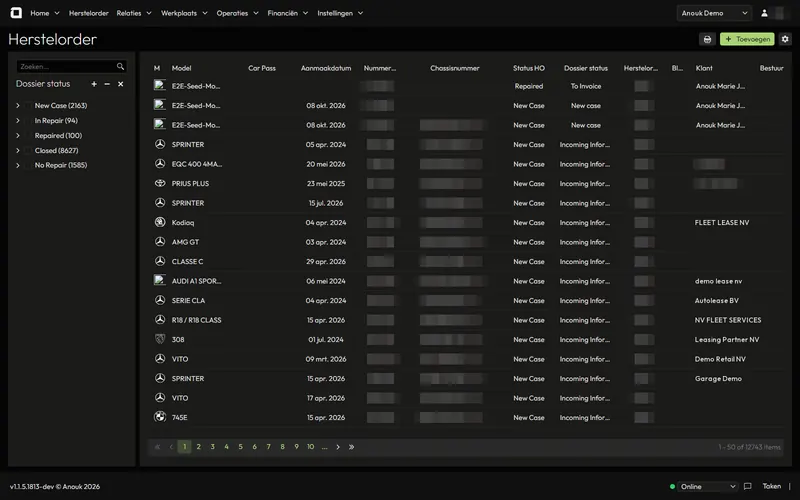
Repair orders filtered by dossier status
See it in the flow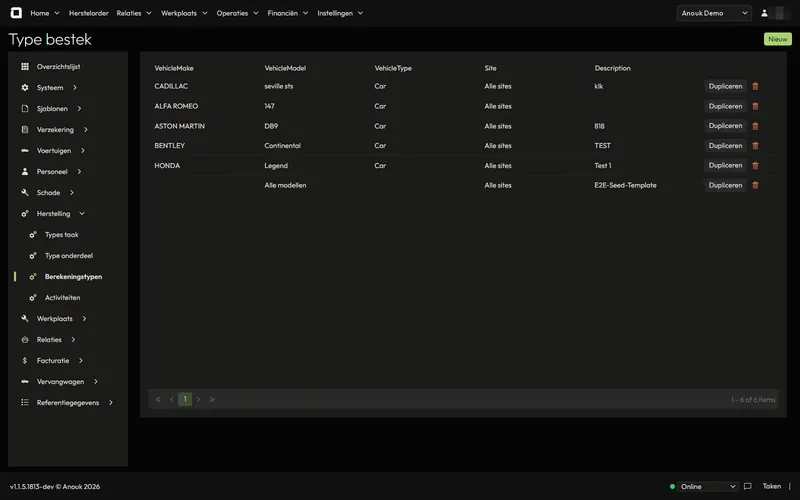
Calculation types per make, model, vehicle type and branch
See it in the flow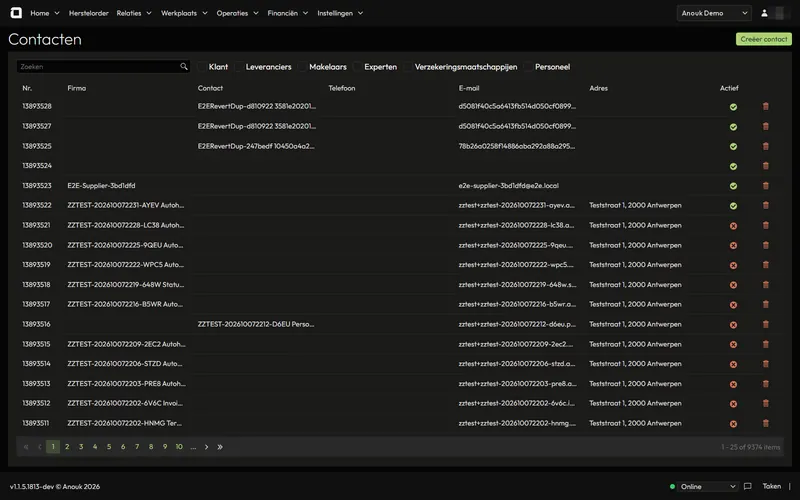
Insurer contact details at hand
See it in the flow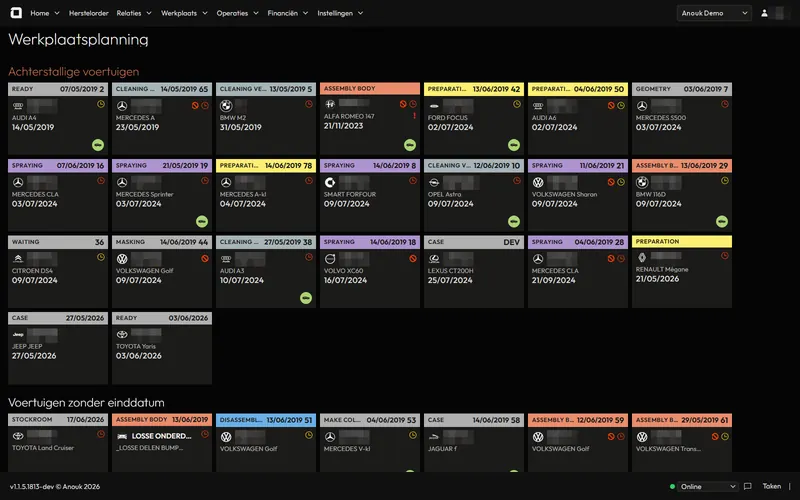
Overdue vehicles flagged at the top
See it in the flow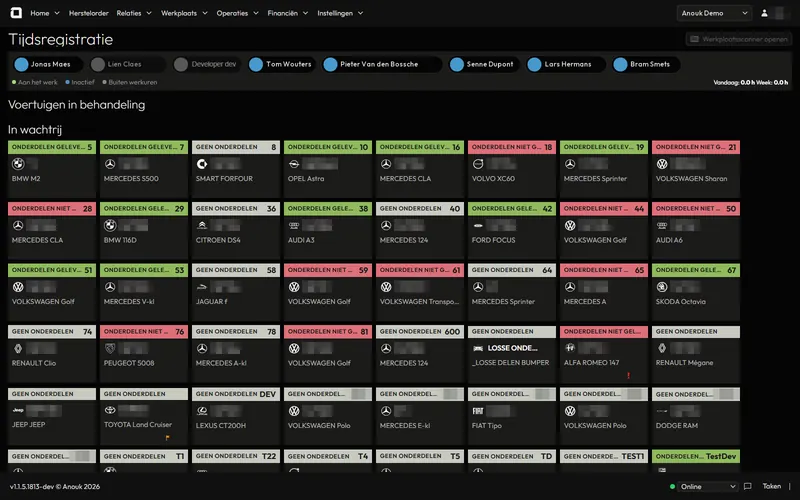
Live time registration with the workshop scanner
See it in the flow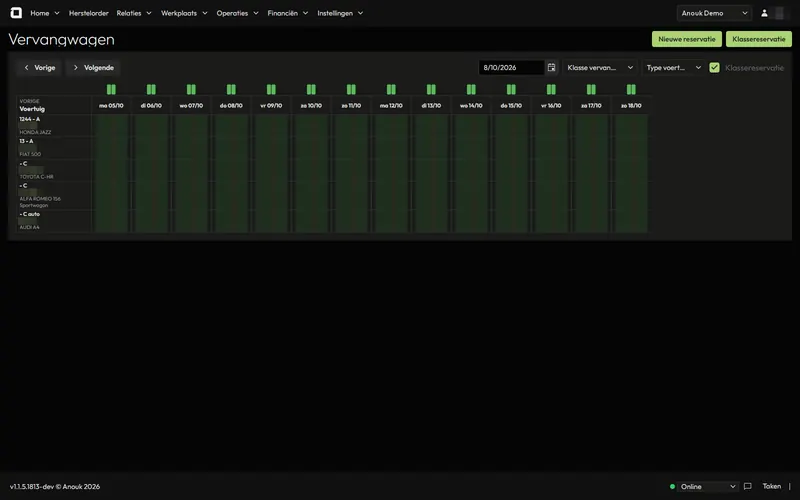
Reservation timeline per vehicle and day
See it in the flow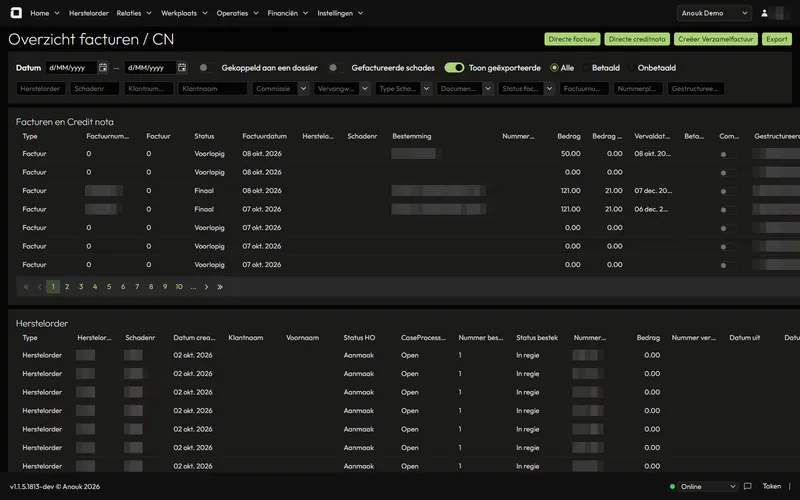
Direct invoices, credit notes and collective invoices
See it in the flow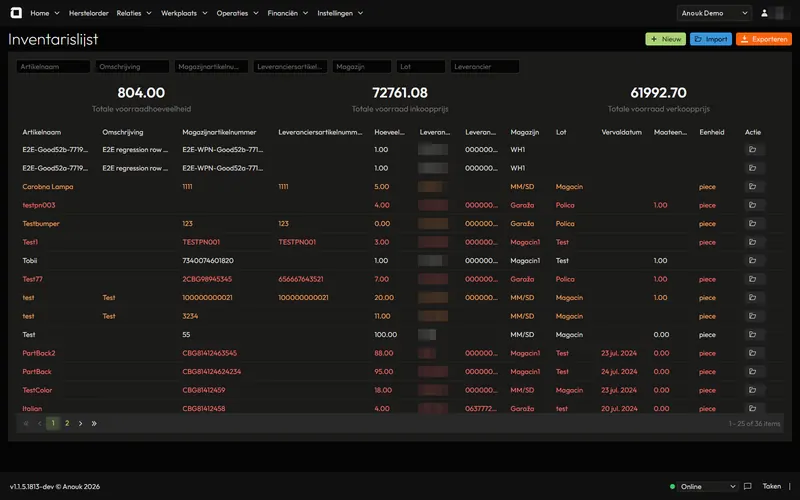
Total stock quantity, purchase and sales value
See it in the flow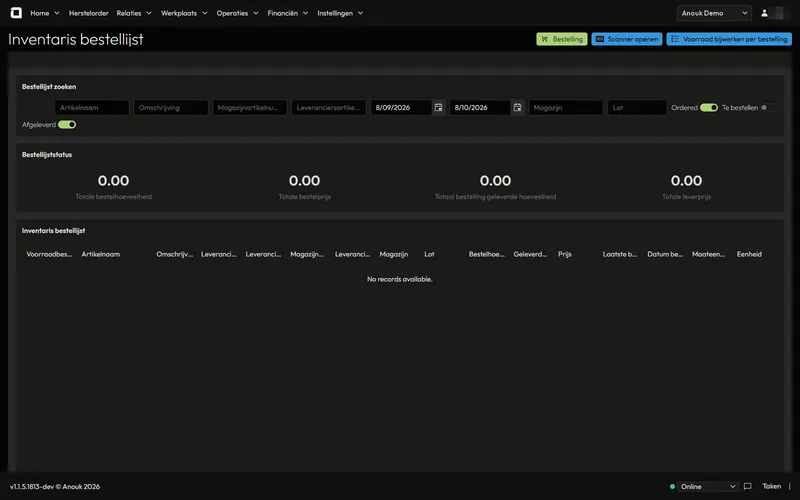
Order lists with scanner and stock update per order
See it in the flow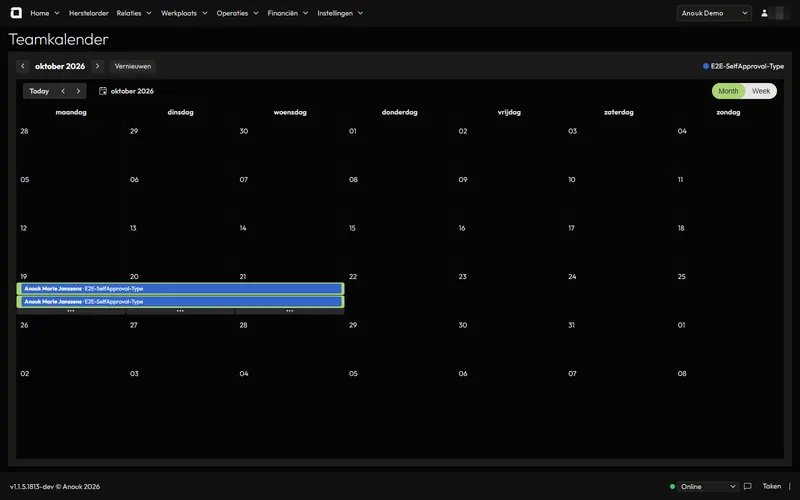
Team calendar by month or week
See it in the flowNo more typing the same data twice.
Customers, invoices and credit notes synchronised with your accounting.
Expert assessments and calculations imported straight into the dossier.
Repair requests from insurers and lease companies, with planning and quotations synced back.
Mileage registration for Car-Pass, right from the vehicle in the dossier.
Two lightweight apps for the people who are not at a desk: order parts and request time off from any browser.
Hosted on servers in Germany and Finland, with daily backups, point-in-time recovery for 14 days and a published security policy.
Hetzner, Germany and Finland
Read the security pagePoint-in-time recovery, restores tested
Read the security pageStatic analysis on every change, container images scanned
Read the security pageHow to report a vulnerability
Responsible disclosureRequest a demo and see your own workflow in Anouk.
Questions about Anouk, a demo or a quote: write to us and we answer from Belgium.
Whether you're ready to get started or just want to learn more about how Anouk can help your business, our team is here to assist you every step of the way.

